
Elementor is a well-known plugin among WordPress users, and there are obvious reasons for this. Elementor is not only a plugin but has been proven to be a necessity for website building.
Elementor is a page builder that facilitates users with easy-to-use widgets and a simple interface.
There was a time when users had to design the sites on a classic editor, which was not that simple. That complexity led to consuming time.
A question may arise as to why one should not prefer AI tools over Elementor for website design and development.
So, the answer is that AI may design your site, but it will not offer the ease and customizability that the Elementor site offers.
So, Elementor has helped not only with website building but also with designing a competent site on time.
‘However, over time, users felt the need for some extra features in Elementor that were fulfilled by Elementor add-ons.
What Are Elementor Addons?
Elementor add-ons are widgets that empower Elementor with extra functionality. For example, if Elementor does not have a widget, but users want to design the site, then they can use the add-on.
Even if Elementor has a premium widget, but users can’t afford it, and the same widget is available in the free add-on plugin, then users can opt for the add-on instead of Elementor premium.
So, these small operations increase the significance of the Elementor add-ons.
Best Elementor Addon Plugins
Here are some Elementor Add-ons listed that you can see and opt for on your website.
Elemento Addons
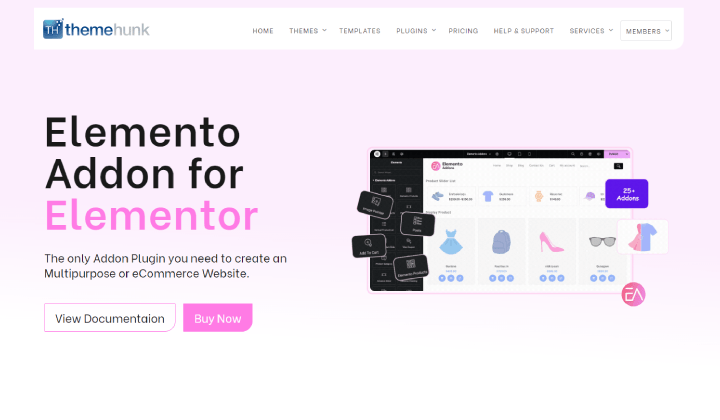
Elemento Addons is a premium plugin used to empower Elementor. The Elemento Addons is an easy-to-use plugin that comes with over 20 addons that are mostly needed in website building.
You get both woocommerce and normal add-ons. Woocommerce add-ons like add-to-cart, product slider, product category, woo coupon, slider, list, and many more are enough to design a fully functional e-commerce store.
It provides a drag-and-drop builder that helps make the page efficient. Users with non-technical backgrounds find it easy to use the plugin.


Elemento Addons is a customizable plugin. Every add-on has a separate customization section where the user can edit the typography, background, and hover colour, padding, margin, spacing, and more settings.
Features
- Responsive
- Customizable
- Drag-and-Drop Builder
- Translation-Ready
Responsive Addons for Elementor

Responsive Addons for Elementor is an all-in-one addon that has a variety of unique addons for the Elementor page builder. With Responsive Addons, you get 80+ widgets or more to create better functionality and design for your site.
Responsive Addons also includes additional content, marketing & WooCommerce widgets, additional layout sections, interactive features, and more.
There are many other features included in Responsive Addons for Elementor, such as a library of pre-made templates & sections that will help you create beautiful pages much faster than creating them manually.
Key Features of Responsive Addons:
- 80+ widgets available to enhance functionality & design.
- Seamless integration with Elementor adds a level of compatibility between both systems.
- Works well with many popular WP themes for easy compatibility.
- 150+ templates included for convenient website building.
- Ability to customize site elements with advanced modules, theme builder, & styling options.
Element Pack

Element Pack is a feature-packed Elementor Addons plugin developed by BdThemes. It is used by thousands of designers and developers worldwide to build stunning websites without touching a single line of code.
It comes with 300+ widgets and extensions that cover almost every design need — from mega menus and sliders to WooCommerce elements and dynamic content. No matter what kind of website you are building, Element Pack has the right tool for the job.
On top of that, the plugin includes a rich template library with 2700+ ready pages, blocks, headers, and footers. So instead of starting from scratch, you can simply pick a layout you like and make it your own.
Features
- Customizable Widgets
- 300+ Elements & Extensions
- Live Copy-Paste Design
- 2700+ Ready Made Templates
Premium Addons For Elementor
Premium Addons come with lots of Elementor Addons. You can use not only add-ons but also the premade templates to design the site.
These allow you to build an elegant site without writing the code. This benefits both coders and non-technical users in designing the site within a very short time.
Additionally, it is integrated with Woocommerce, which is needed for e-commerce sites, and lets you design a site as per your needs.
Features
- SEO Friendly
- Premade Section Templates
- Lottie Animations Integrations
- Advanced Customization Features
Essential Addons For Elementor
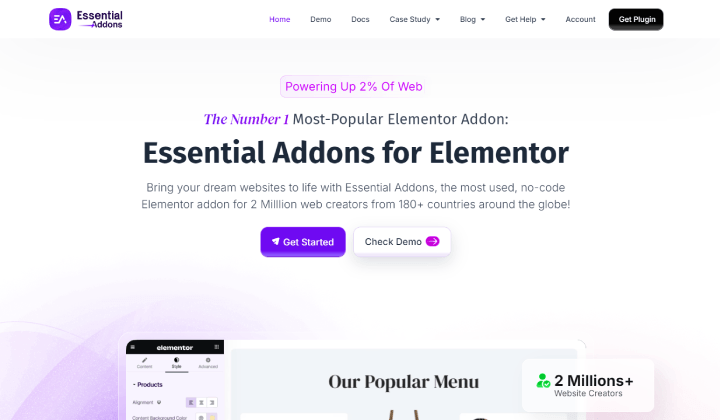
It is one of the well-known Elementor Addons plugins. It is widely used as it offers more than 100 easy-to-use elements that make you feel supercharged in designing the site.
These add-ons are enough to design any kind of website. In case of any doubt regarding its element, you can see the demo, which includes an advanced menu, Woo Product Slider, Woo Thankyou, feature list, toggle, testimonial, and many more.
With the help of WPML, the element can be translated into another language.
Features
- Fast Speed
- Elementor Templates
- No Code Needed
- Woocommerce Elements
Easy Elementor Addons

Easy Elementor Addons is a free extension for Elementor to supercharge the functionality of your page builder and provide users with a fantastic web design experience.
It consists of 50+ high-quality widgets to enhance the visual representation of your website and make it more appealing and engaging.
Moreover, these elements have their own set of customization options to help personalize them uniquely as per your needs.
Features
- 50+ Creative and High-Quality Elements for Elementor
- Set of Customization Options for Each Element
- Super Fast Loading and Response Time
- Endless Combination of Elements
- 100% Translation Ready
Elements Kit
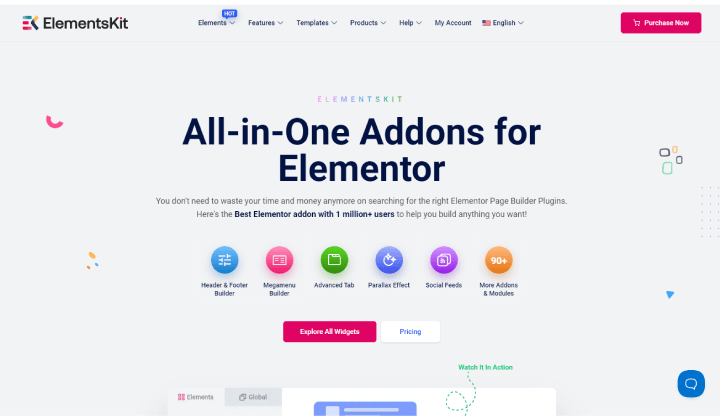
Elements Kit is a multipurpose Elementor Addons plugin. It is being used by more than a million people.
Not only addons, but it is also used to create the headers & footers and megamenu. This is ultimately a bonus point for you as a user, as you don’t need to depend on another plugin or page builder to do so.
It provides 90+ widgets and extensions. Moreover, you can pick your favourite design from the 90+ premade designs.
Features
- Sticky Menus
- Parallax Effect
- Customizable Widgets
- Advanced Colors and Typography
Ultimate Addons For Elementor
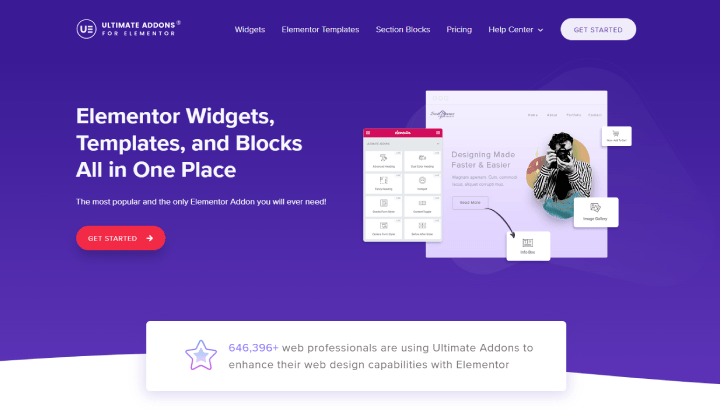
Ultimate Addon is a flexible plugin. It gives you access to add-ons, widgets, blocks, and templates for designing.
Here are templates for almost every niche, so if you want to save time, it would be best to pick a template and customize it to match your brand.
The plugin includes welcome music, advanced heading, Google Maps, an image gallery, a countdown timer, and many more widgets and extensions. You can give a good impression to the users through the website.
Features
- Customizable
- Styling and Designing
- Copy-Paste Elementor Design
- Ready Made Templates
Exclusive Addons
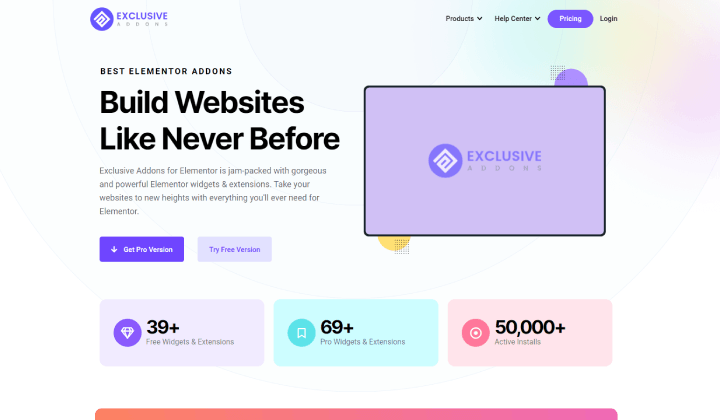
Exclusive addons are one of the most installed plugins for Elementor addons. It comes with 35+ free addons that help in building a competent website, but if you upgrade the plugin to pro, there are some more pro addons.
Its add-ons, like the demo previewer, slider Woo product, image carousel, etc, are used to give the website a premium touch and provide the best impression to the users.
You can design attractive headers and footers and stylize them as per your branding. You can use one or a different header and footer design for every page.
Features
- Free Icons
- Cross-Site Copy Paste
- Woocommerce Widgets
- Lottie Animation Widget
The Plus Addons For Elementor
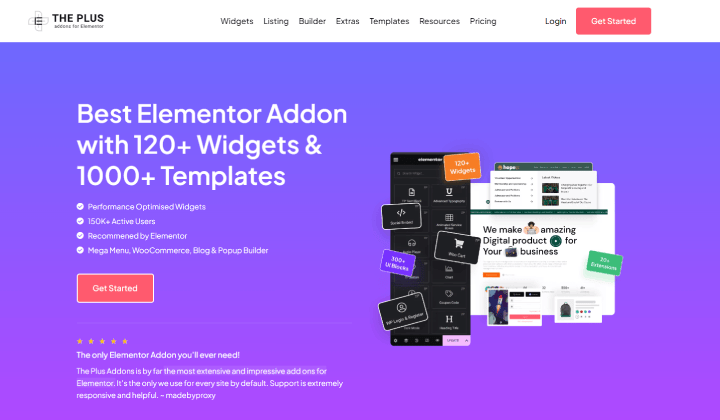
This Elementor Addons plugin would be a great option for users who want performance along with features. It comes with more than 100 widgets with smooth performance.
You will see lots of Elementor add-ons in this plugin, including the woocommerce add-ons. The Copy-paste function allows duplication of a design, which saves time and effort.
The Plus Addons is a multilingual plugin, so you can translate it into your desired language and design efficiently.
Features
- RTL Support
- Lazy Loading
- Clean Code
- Smart Optimize CSS & JS
Element Pack
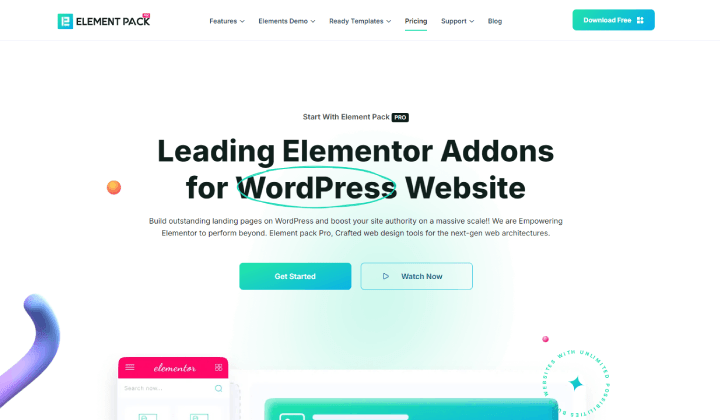
The Element Pack, as per its name, is a pack of Elementor Addons. Among the lots of widgets and blocks, website design becomes easy.
The free widgets are enough to create an elegant website, but if you can upgrade the plugin to the pro version, you’ll get the premium widgets that are more powerful.
It comes with ready-made website templates to be used for the website. You can copy a design and paste it on the site to duplicate it.
Features
- 400+ Pages
- Woocommerce Addons
- Ultimate Customizability
- Header & Footer Designs
HT Mega
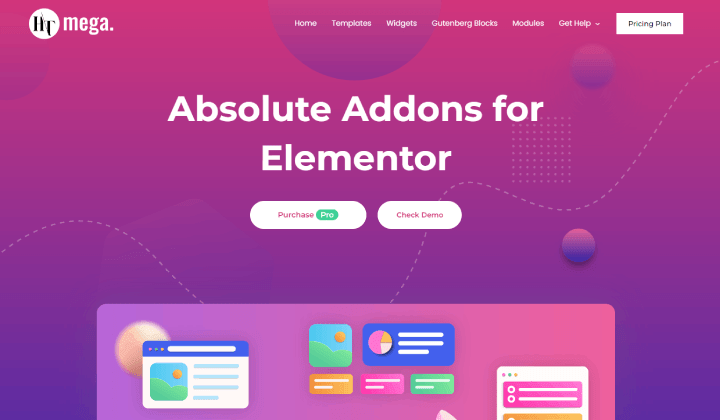
This is a modern Elementor Addons plugin. This helps to extend the functionality of Elementor with more than 100 add-ons. You can design the site without writing any code.
It offers animated headings, banners, blockquote, business hours, button, call-to-action, and many more add-ons that are responsive to all devices, so the site is accessible to all users.
It has several portfolio and blog layouts that help in creating such websites or respective pages.
Features
- SEO Friendly
- Fully responsive
- 170+ Page layouts
- Google Fonts Support
Master Addons
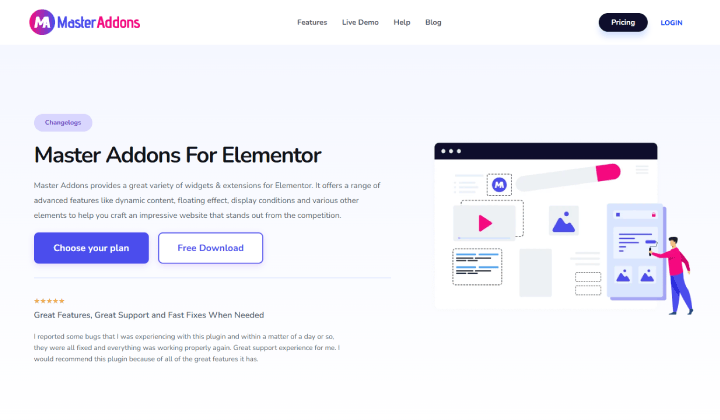
This Elementor add-ons plugin makes website building so easy with the easy-to-use Elementor add-ons.
Not only this, but it also provides extensions for Elementor that help to extend the functionality of Elementor.
It consists of a Header & Footer builder. If you don’t like the premade layouts, you can build your own headers and footers.
Additionally, you can write custom CSS to improve the look and make some changes to the predesigned layouts. This can be helpful when you want perfection, and Elementor is not letting you have it.
Features
- Template Library
- Table of Contents
- Dedicated Support
- Image Hover Effect
QI Addons For Elementor
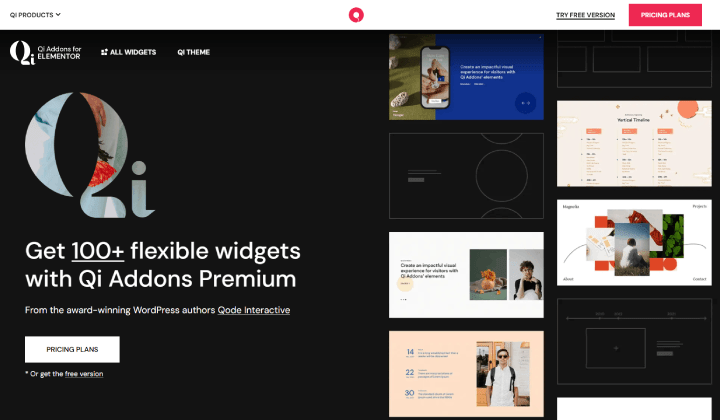
QI Addons come with modern design elements that are flexible and can be moulded into your favorite design as per your needs.
No coding is required to work on this Elementor Addons plugin. Even a non-technical user can use this to design a website. This type of feature helps to increase accessibility.
Users can find so many helpful elements that are used to leave a very good impression on the users. It includes a device frame slider & carousel, text marquee, circled slider, hover-aware slider, and many more attractive elements.
Features
- Easy-to-Use
- Top-notch Support
- Smooth Performance
- Customizable Widgets
PowerPack Elementor Addons
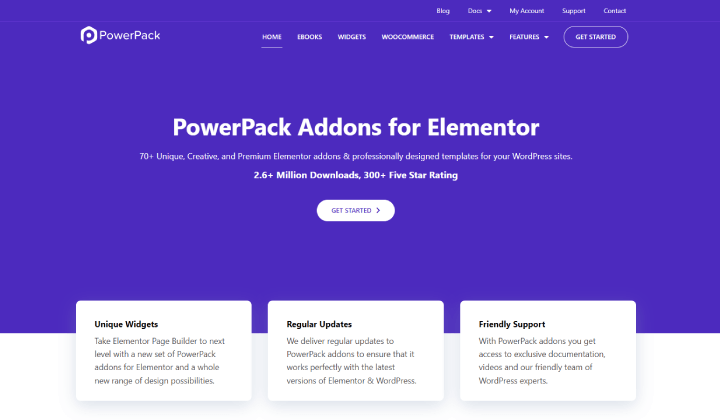
PowerPack Elementor Addons are free widgets used to design the site beyond Elementor. It is currently being used by over 100 thousand users.
As an Elementor user, you may find the widget friendly when using it to design the site. Various widgets are available, including the woocommerce widgets.
One appreciable feature is cross-domain copy-paste, which allows users to copy a design from another site and paste it into their site. This saves too much time.
Features
- SEO Widgets
- Templates Library
- Lightweight & Fast
- Dynamic Display Conditions
Happy Addons For Elementor
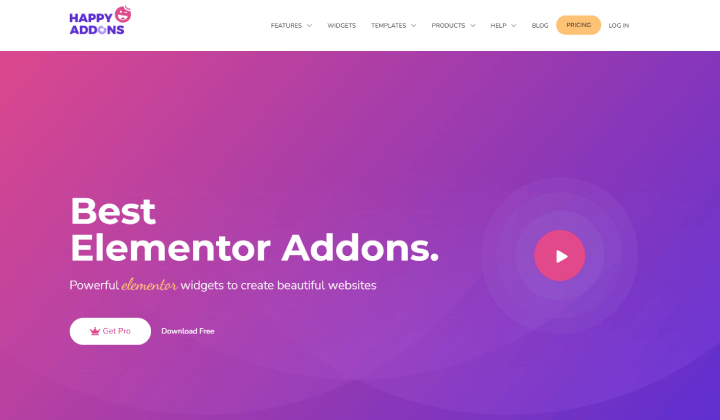
Happy Addons is a fully-packed Elementor Addons plugin developed to build beautiful sites effortlessly. Users see lots of add-ons that can change the appearance of the site fully.
Such types of plugins are preferred by users who are creative and want to design their sites creatively. The Happy Addons’ fast and easy-to-use add-ons build the site smoothly without coding.
It has several presets that can be chosen to meet the design requirements.
Features
- Animation
- Section Nesting
- Premade Templates
- Cross-domain Copy-paste
Livemesh Elementor Addons
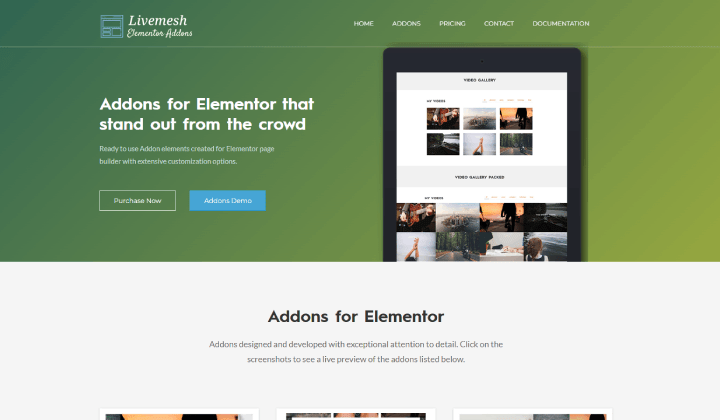
Livemesh is another Elementor Addons plugin. It is fast, flexible, and smooth. Its ready-to-use elements are enough to enhance the appearance of the site.
The add-ons are developed with quality code that makes the plugin secure and gives smooth performance.
One of the most important features that Elementor add-ons must have is responsiveness. The Livemesh is optimized for mobile, so mobile users can also have the best view of the site.
Features
- Animation
- Regular Updates
- Fast & Responsive
- Image & Video Gallery
Stratum

Stratum is a powerful plugin to expand the functionality of Elementor. When you want to work beyond the Elementor limit and show your creativity with website design, this can be a good option.
It has several widgets that will make you feel like a premium user with its actions and operations. You can design exceptional sites with its 20+ add-ons.
With its Google map add-on, you can insert the map and show the address of the store. This makes the page visually appealing and is a creative way.
Features
- Price Table
- Banner & Slider
- Color & Typography
- Fast and Lightweight
Dynamic Visibility For Elementor
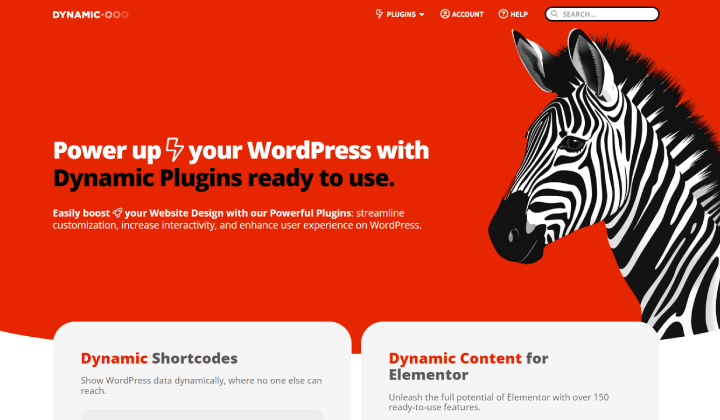
Dynamic Visibility for Elementor is a unique Elementor add-on plugin. It is used to hide or display a particular section. It sounds like a small task, but while designing, when you want to hide something, you may need its help.
Not only this, but you can set a specific time for the element to be visible. Only in that particular time span, the element will be seen by users.
With this plugin, you can hide widgets, columns, containers, sections, or content.
Features
- OR/AND Condition
- Time-Based Operations
- Fall Back Text
Move Addons For Elementor
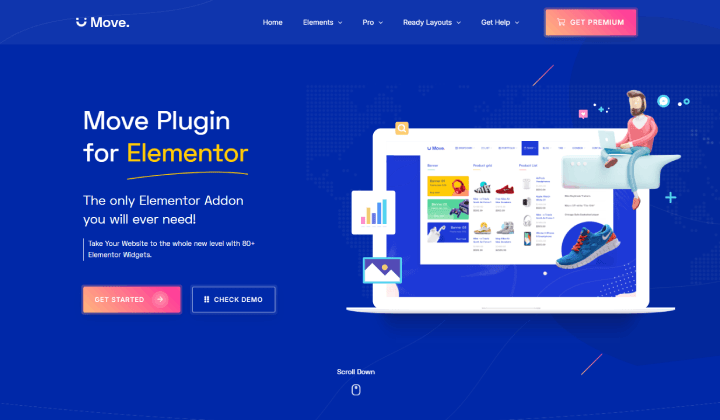
The Move Addons is an unmatched Elementor Addons plugin that comes with over 80 widgets. It is developed with lightweight which makes it fast and reduces loading speed.
It is compatible with WordPress themes that are integrated with Elementor. So you will find a WP theme easily for your project.
You get heading, block quote, event calendar, banner, brand logo, and many more add-ons that are necessary to design a fully functional site.
Features
- Regular Updates
- Translation-Ready
- Premade Websites
- Cross-domain Copy-paste
Extras For Elementor
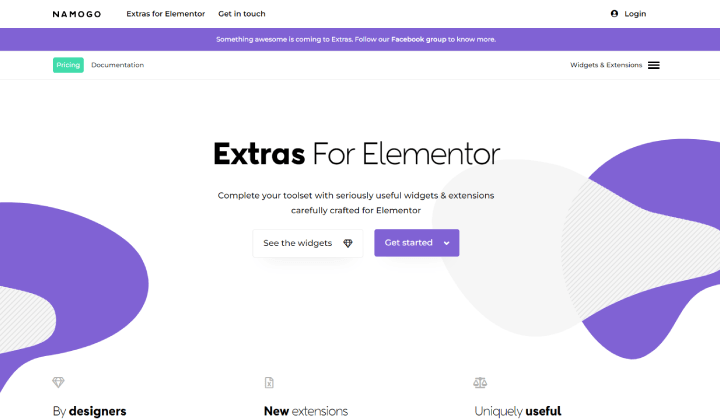
Extras For Elementor is a premium WordPress plugin that comes with awesome add-ons. It is a well-documented plugin that helps you explore the add-ons deeply. It also helps the users when it is stuck somewhere.
You find post extras, a switcher, Google Map, an audio player, toggle elements, and more widgets that are used to design sites without any code. And if a user is getting this type of thing without putting much effort, what could be better than that?
It also provides extensions for a smooth workflow.
Features
- Parallax Effect
- Fast & Reliable
- Display Conditions
- Customizable Widgets
Jet Elements For Elementor
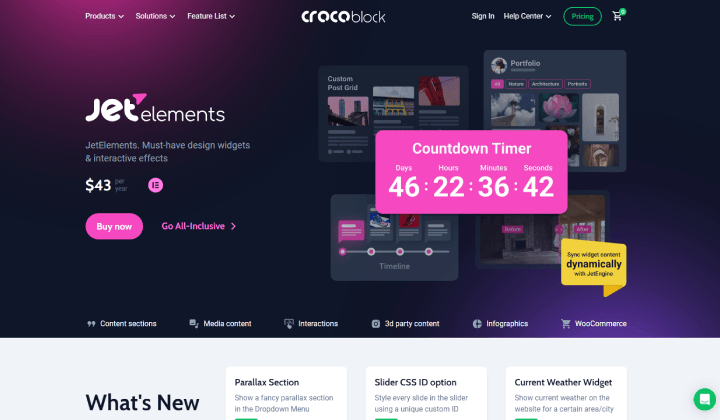
It is an advanced Elementor add-ons plugin with eye-catching designs.
You get a countdown timer, testimonial, team member, pricing table, price list, and more. You can use these add-ons on your website pages.
Features like charts allow users to showcase the analytics or data in an effective way. It is very useful for the portfolio website where usually skills and experience are shown using pie & bar charts.
Features
- Progress Bar
- Logo Showcase
- Woocommerce Badges
- Responsive Design
Droit Addons

Droit Addons offers over 80 add-ons. It has premade element designs that can be picked to design the site.
With the mega menu builder, header & footer, animation, parallax, and other features, this plugin becomes more powerful.
The widgets are responsive so that you can give the best view to all users, whether it is accessing through a desktop, laptop, tablet, or mobile.
Features
- Advanced Tabs
- Section Nesting
- Prebuilt Templates
- Advanced Controls
FAQ
Q. Why are Elementor add-ons needed?
Ans. Elementor add-ons are needed when a user wants to design a site, but limited features don’t allow it. So, the Elementor Addons extend the functionality of the page builder.
Q. Is coding needed for Elementor or Elementor Addons?
Ans. No, coding is not required to design the site using Elementor. Even if you are using the Elementor add-ons, coding is not required.
Conclusion
So in this blog, we have seen some of the Elementor Addons plugins for the Elementor page builder. These plugins are used to design the site with Elementor, but with some more power.
Most of the plugins are available free of cost, so you can test the plugins first and then buy the pro version once you are satisfied with the add-ons.
So you can pick the best-suited plugin as per your needs and design your site.
I hope this blog will help you. Still, if you have any queries or suggestions then let me know in the comment section.
You can Subscribe to our YouTube Channel, we also upload great content there, also Do Follow us on Facebook and Twitter.
Discover Additional Articles


