
Overview ➣ This article explores the versatile block collection of Vayu Blocks, revealing how it enables you to build responsive, visually engaging, and fully functional websites with ease, making the most of the WordPress block editor’s potential.
Vayu Blocks is a powerful and intuitive website builder designed to extend the capabilities of the Gutenberg block editor in WordPress.
It offers over 25 advanced, performance-optimised blocks, like flexible containers, dynamic headings, interactive media embeds, and WooCommerce integrations.
Vayu Blocks is fully compatible with all block-based WordPress themes, ensuring smooth design experiences and consistent layout across your site.
With Vayu Blocks, you can design creative, responsive, high-performing, and visually appealing websites – no coding required.

Why Choose Vayu Blocks?
- Ease of Use: Vayu Blocks is extremely user-friendly. If you can use WordPress, you will have no trouble using it.
- Design Visually, No Coding Needed: Enjoy visual editing with drag-and-drop simplicity. Build layouts effortlessly using starter templates, wireframes, patterns, and demo sites, all without writing a single line of CSS or code.
- Flexible Design Control: Easily customize typography, color combinations, spacing, animations, overlays, borders, box shadows, and more, directly from Gutenberg’s sidebar with full responsive control.
- Fast and SEO-Friendly: Experience a clean, performance-first design with modular asset loading. Built for speed, fast rendering, and improved SEO without compromising visual quality.
- WooCommerce Ready: Includes custom CTAs, product showcases, enhanced cart experience, advanced search, and product comparison features, everything you need to build a powerful online store.
- Free & Premium Versions: Vayu Blocks is available as a free plugin, with a Pro upgrade offering advanced features like Loop Builder, dynamic content, premium sliders, advanced queries, and starter packs.
- Responsive Design: Device-specific control ensures your layouts look great on mobile, tablet, and desktop.
Vayu Blocks Collections
Here is the list of essential Vayu Blocks:
Core Design Blocks
Advance Container
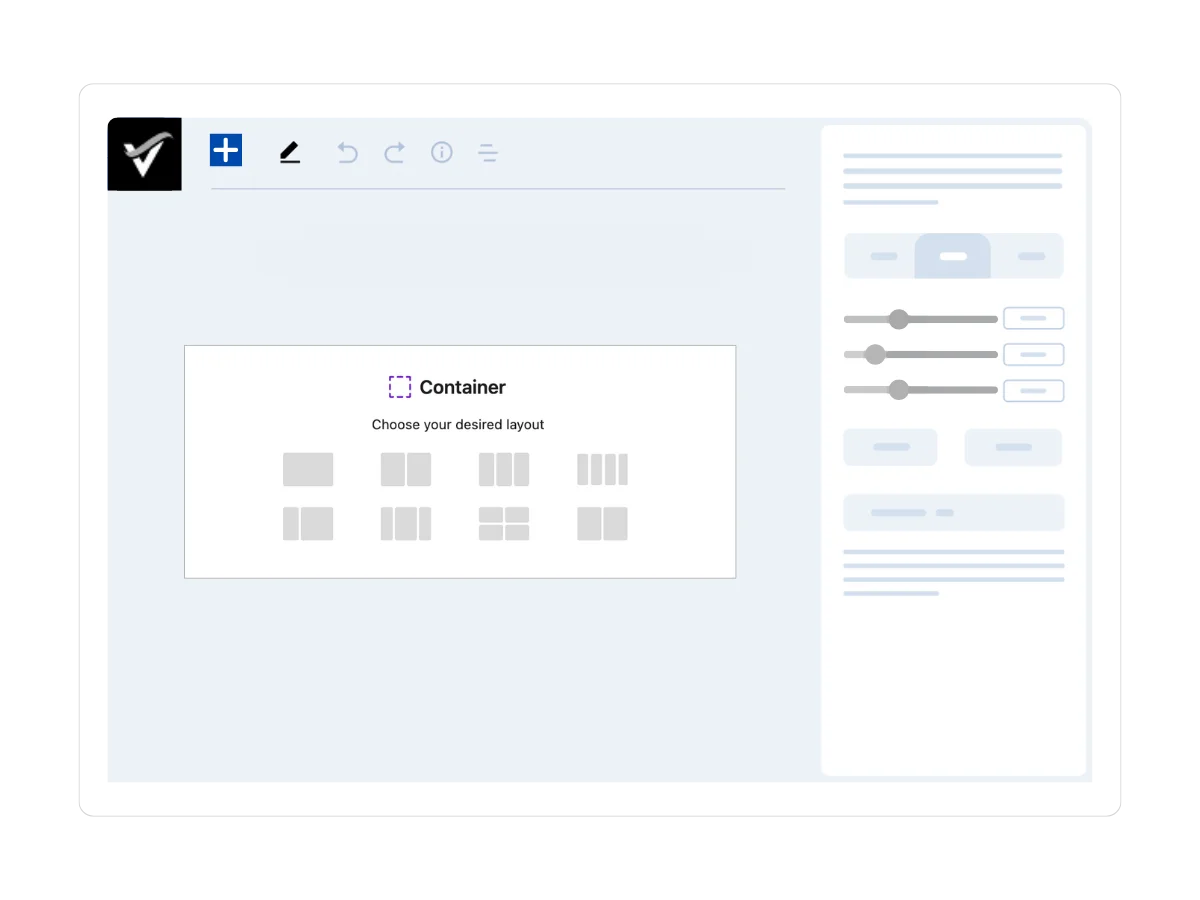
The Advance Container block is a powerful, flexbox-based layout tool that lets you group inner blocks into structured, visually appealing sections, without writing any CSS.
It offers precise control over vertical and horizontal alignment, spacing, and backgrounds, including support for color and images.
With built-in responsive controls, you can ensure your layouts adapt seamlessly across desktops, tablets, and smartphones, helping you create clean, consistent designs with ease.
Advance Heading
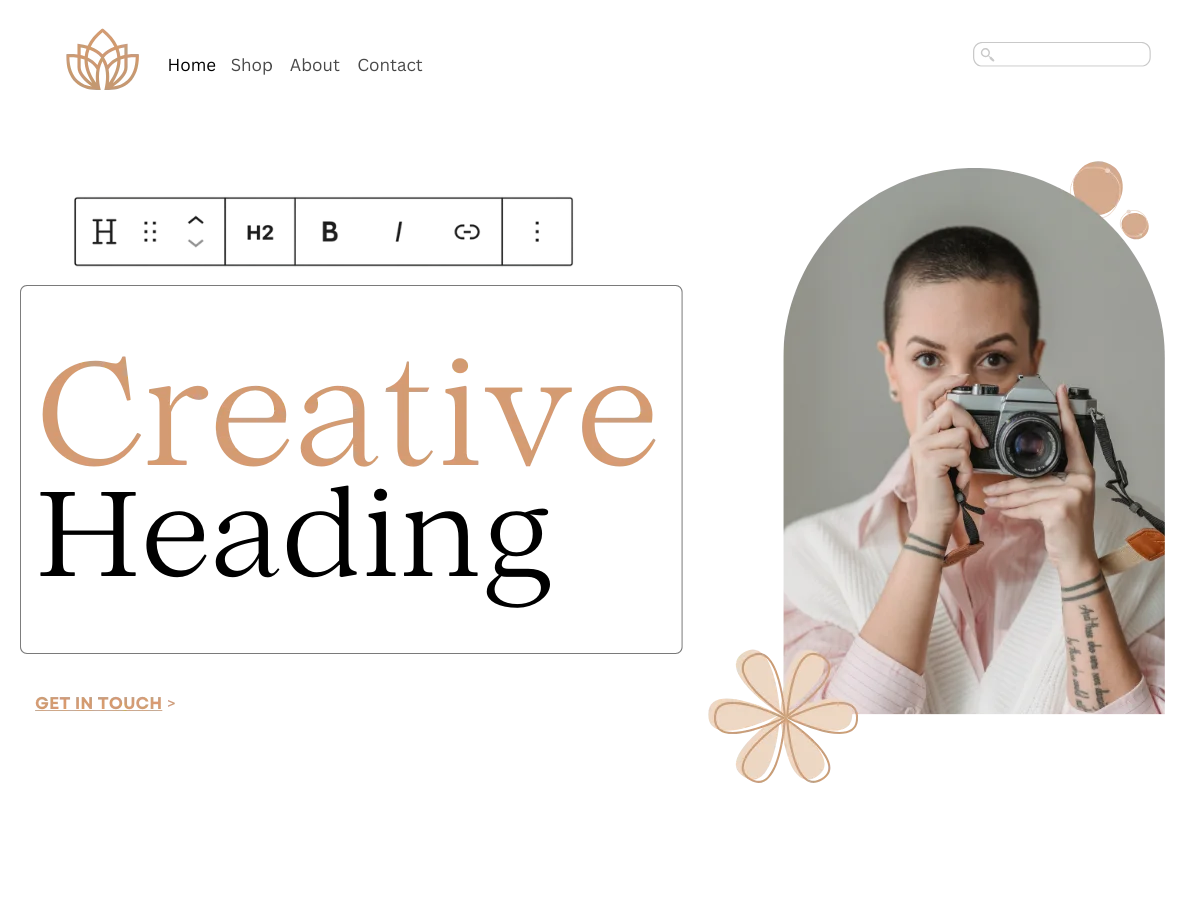
Headings are essential for SEO and readability, and the Advance Heading block takes them further with full design flexibility.
Choose from H1 to H6 tags and customize fonts, sizes, colors, spacing, and separators to create a clear, stylish content hierarchy.
With responsive controls, it’s perfect for drawing attention, breaking sections, and enhancing both structure and visual appeal across all devices.
Advance Spacer
White space is essential for a well-organized design, and the Advance Spacer block gives you complete control over spacing between elements.
You can easily adjust the height for each device, add background colors or borders, and fine-tune your layout.
This flexible block enhances readability, balances your layout, and helps you create a clean, visually appealing design with minimal effort.
Advance Button
Move beyond default Gutenberg buttons with the Advance Buttons block, designed for maximum impact and full customization.
Style your call-to-action buttons with custom colors, typography, icons, hover effects, border radius, shadows, and alignment.
Whether you’re linking to a product, service, or blog post, these eye-catching buttons help guide users, boost engagement, and drive conversions across your site.
Icons
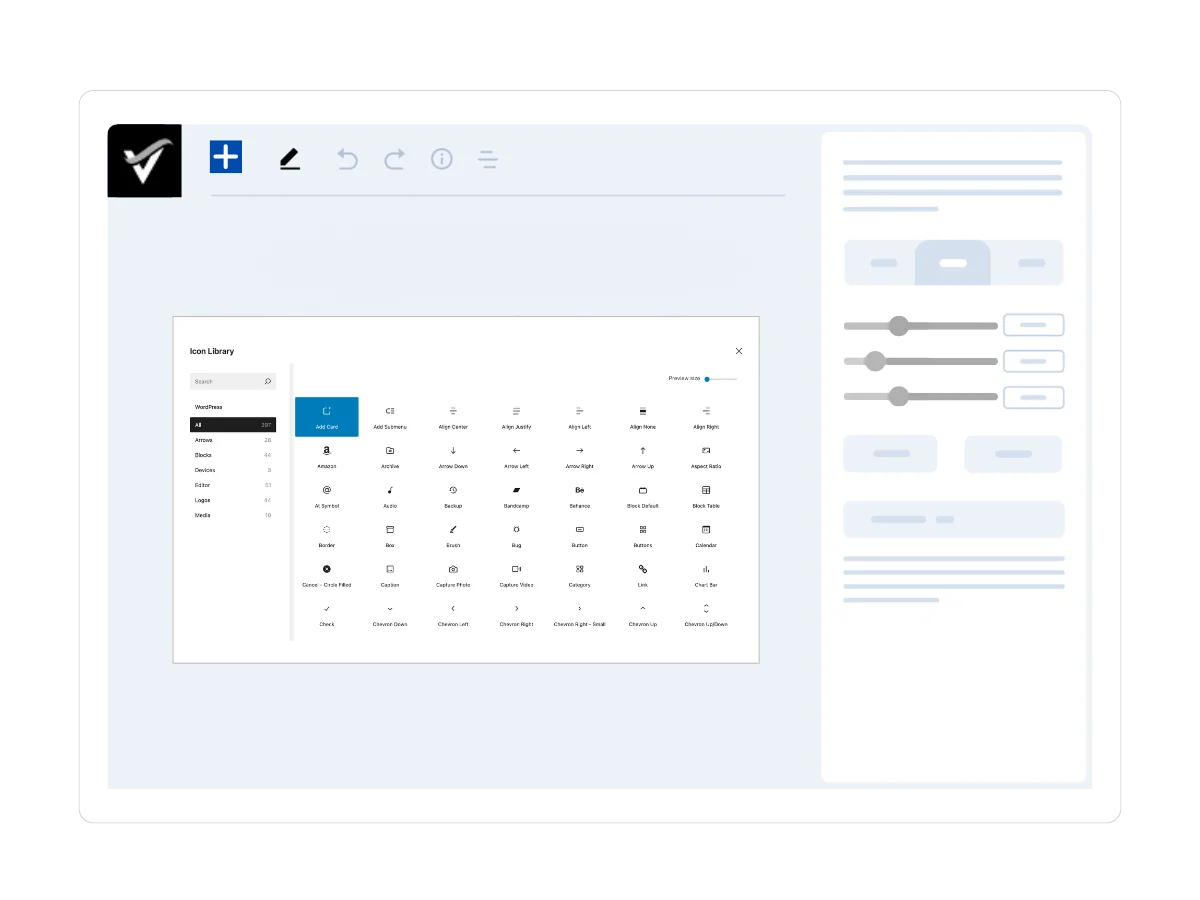
Icons are a powerful way to enhance visual appeal and communicate ideas at a glance.
The Icons block gives you access to a rich library of scalable vector icons that can be easily added to your pages.
You can customize size, color, background, padding, hover effects, and even add links to make them interactive. It is perfect for buttons, feature lists, or informational sections that need a visual boost.
Dynamic Content and Engagement Blocks
Advance Query
The Advance Query block is a powerful content builder that lets you display posts dynamically and with precision.
You can filter content by category, tag, author, or date, and create custom queries to showcase specific posts.
This block is ideal for building custom blog layouts, portfolios, archives, or case studies. It also allows you to fully customize the layout, giving you complete control over how content appears on your site.
Post Grid
Display the latest posts with the Post Grid block in an attractive grid layout that’s easy to browse and navigate.
It allows you full control over layout settings, such as adjusting columns, spacing, and the number of posts shown.
You can choose to display key post elements like images, titles, excerpts, and metadata. It’s an excellent solution for neatly organizing blog content, news articles, or updates across your site.
Flip Box
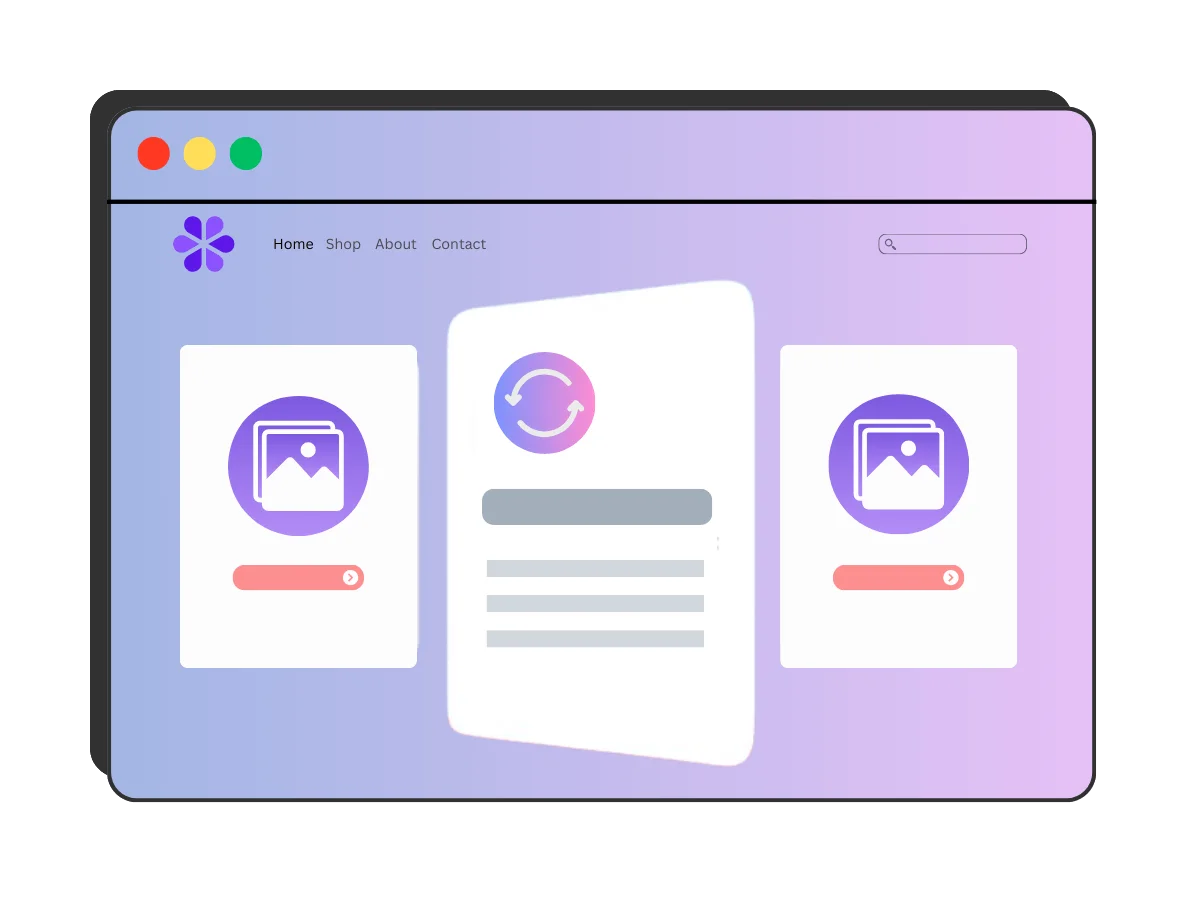
Enhance your pages with interactive Flip Boxes, perfect for showcasing services, team members, or portfolio highlights.
This block allows you to create boxes that “flip” on hover to reveal additional content on the back, combining visuals and overlay text for a dynamic, engaging user experience.
It is fully customizable and ideal for adding depth and creativity to feature sections or calls to action.
Slider
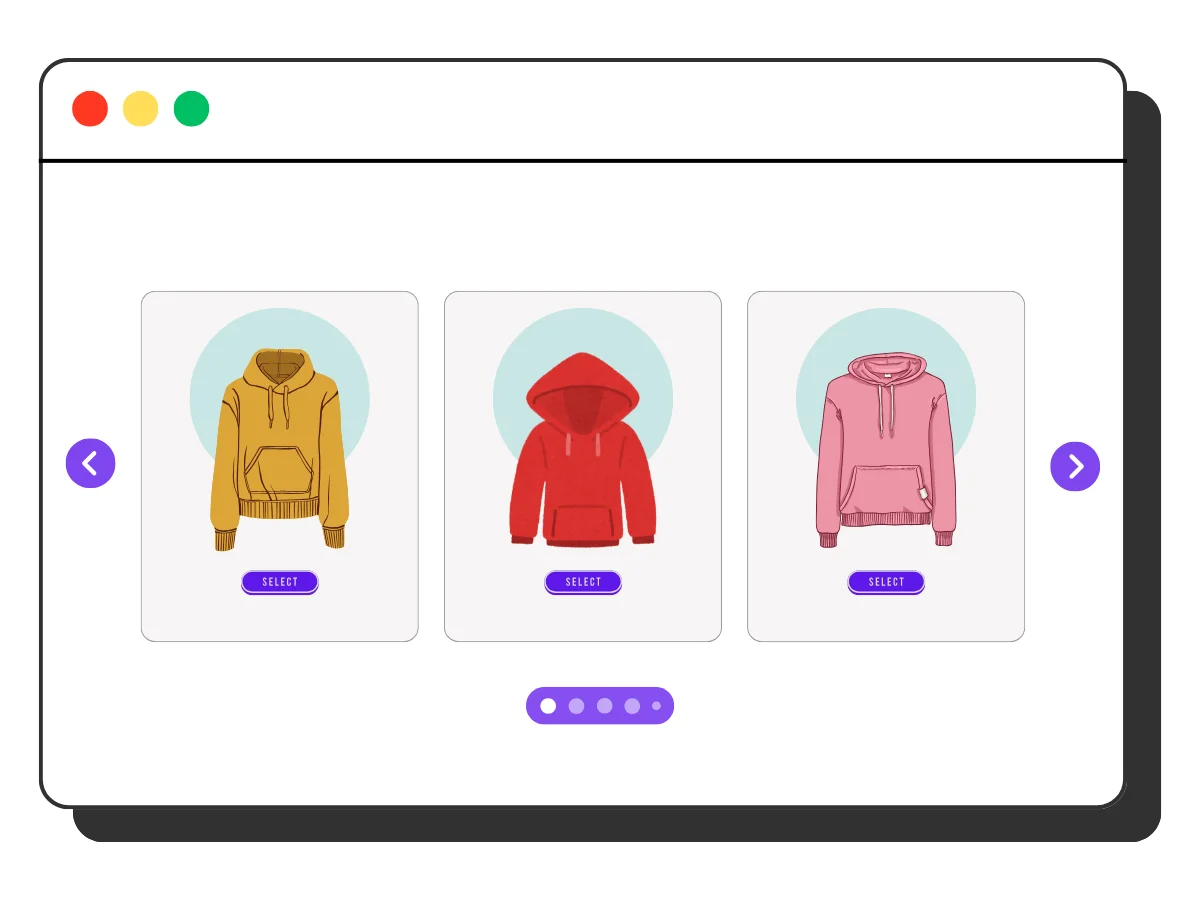
The Slider block lets you build responsive, touch-enabled carousels to showcase images, testimonials, featured products, or any other content.
You can customize the transitions, navigation controls, and even add content overlays to your slides.
It’s a sleek, space-efficient way to display visual content and boost engagement across devices.
Unfold

The Unfold block is a smart solution for presenting long-form content in a compact, user-friendly format.
It displays a snippet with a “Read More” button that expands on click, allowing you to manage space without sacrificing information.
This is ideal for FAQs, product details, or lengthy text sections, keeping your layout clean while improving user experience and content accessibility.
Timeline

The Timeline block lets you visually present events in a clear, chronological flow, perfect for telling stories, outlining roadmaps, or showcasing milestones.
With interactive content expansion, you can highlight key dates, project phases, or company history in a clean, engaging format.
It’s ideal for turning linear information into a visually compelling narrative on any page.
Media and Visual Blocks
Image

The Image block in Vayu Blocks offers more creative control than the default WordPress option.
It offers advanced options for customization, including overlays, animations, and responsive settings.
You can create stunning image galleries and displays that adapt seamlessly across devices, perfect for capturing user attention and enhancing your design.
Video
Embed videos from YouTube, Vimeo, or other sources with ease using the Video block.
You can customize the player with styled wrappers, overlay controls, custom thumbnails, and responsive alignment.
You can even enable lightbox playback for a cleaner, distraction-free viewing experience, ideal for engaging content that fits seamlessly into your design.
Image Hotspot
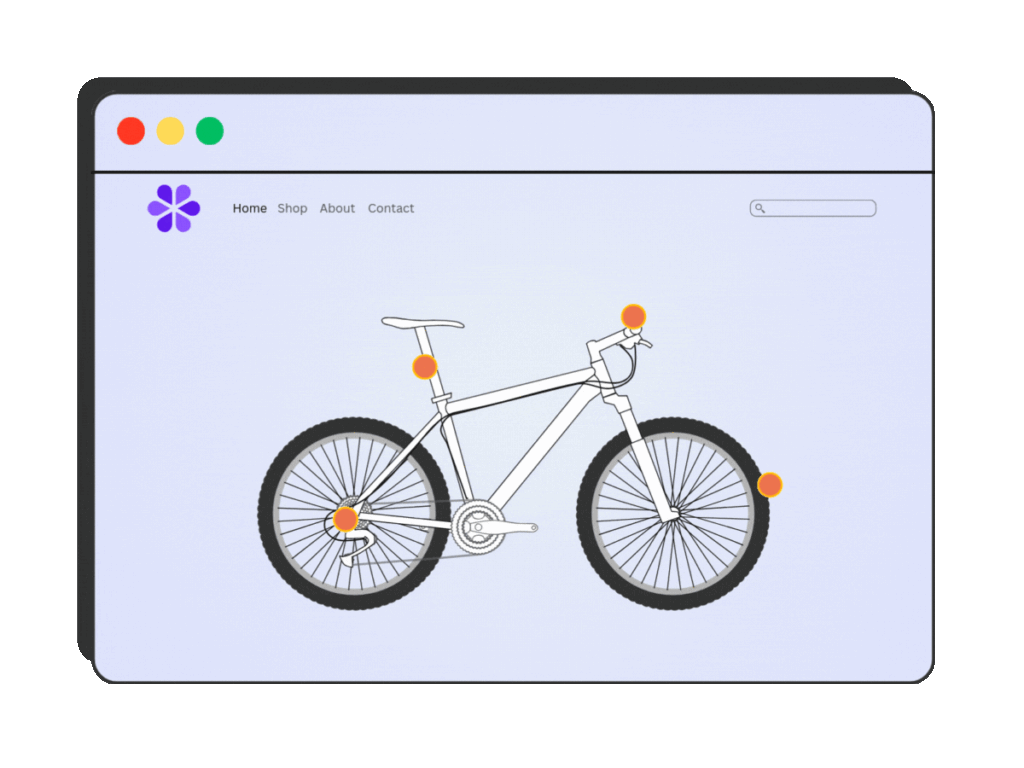
The Image Hotspot block is a unique and interactive way to display information about an image.
You can add clickable or hoverable points to any image to display helpful tooltips, text, media, or links.
Ideal for highlighting product features, mapping locations, or explaining parts of a graphic, this block turns static images into interactive, informative experiences.
Lottie Animation
The Lottie Animation block lets you embed lightweight, scalable vector animations without affecting site performance.
It is ideal for enhancing icons, backgrounds, or visual accents. These animations add motion and interactivity to your design.
Lottie Animation is easily customizable and responsive. It brings life to your website while keeping load times fast and smooth.
Ecommerce and Lead Generation Blocks
Advance Product
The Advance Product block is essential for WooCommerce stores, allowing you to showcase products in stylish grids, carousels, or standalone layouts.
You can easily display titles, images, prices, ratings, and add-to-cart buttons, all fully customizable to match your site’s design.
It’s perfect for upselling, product highlights, or building engaging shopping experiences anywhere on your site.
Search
Enhance user experience with the Vayu Search block, a customizable, AJAX-powered search bar that helps visitors quickly find content or products by title, description, SKU, or category.
It is fast and intuitive, improving site navigation, boosting engagement, and ensuring users get to what they’re looking for without delay.
Lead Form Builder
Generating leads is essential for any website, and Vayu’s Lead Form Builder helps you do it effortlessly.
You can create fully customizable forms with fields like text, email, dropdowns, and more.
You can also customize the form’s appearance and even set up email notifications to be alerted of new leads.
Other Useful Blocks
Blurb

The Blurb Block lets you combine icons or images with supporting text to create engaging content sections.
It’s ideal for highlighting product features, outlining services, presenting benefits, or showcasing customer testimonials.
With flexible styling options, it’s a great way to add clarity and visual structure to your website’s messaging.
FAQ
The FAQ Block allows you to create clean, accordion-style question-and-answer sections that enhance user experience and keep content organized.
It’s built-in schema markup boosts your SEO by making FAQs eligible for rich results in search engines.
It is ideal for addressing common queries while improving your site’s visibility and structure.
Table of Contents
The Table of Contents block provides easy navigation by listing all the headings on a page or post.
It helps readers quickly jump to specific sections, especially in long-form content.
This block is fully responsive and customizable, enhancing content accessibility, user engagement, and SEO with better structure and internal linking.
Pre-Built Templates in Vayu Blocks
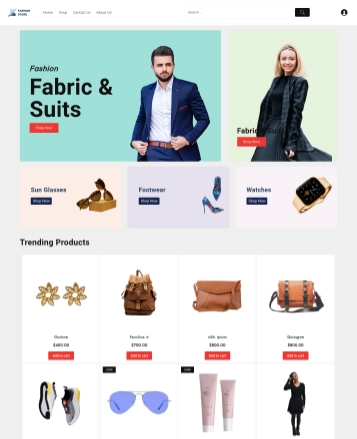
Vayu Blocks isn’t just a reliable page builder but also comes packed with pre-built templates that help you design full layouts in minutes.
These templates are not just about saving time, but also provide a professional foundation that you can customize to match your brand and vision.
Whether you are starting a new project or looking for inspiration, Vayu Block’s templates are an invaluable resource. Here’s what you get:
- Variety of Niches: Vayu Blocks provides a growing collection of starter templates designed for various industries and website types. While it currently offers WooCommerce demos. Templates for corporate, portfolio, and blog are also in the pipeline.
- One-Click Import: From your WordPress dashboard, you can browse the library of starter templates and import your preferred template with just one click. Your site is instantly filled with demo content and layout, giving you a ready-made foundation to customize.
- Full Site Editing Capability: The templates are built with full site editing in mind, which lets you customize every part of your site from the header and footer to individual page content using the WordPress block editor.


FAQ
Q: What is Vayu Blocks?
Ans: Vayu Blocks is a powerful WordPress plugin that enhances the Gutenberg editor with advanced design blocks, dynamic content features, and WooCommerce integration, making it easy to build fast, responsive, and professional websites without coding.
Q: Is Vayu Blocks free to use?
Ans: Yes, Vayu Blocks offers a free version with a wide range of blocks. There is also a Pro version available that unlocks additional features like the Loop Builder, more WooCommerce elements, and access to premium templates.
Q: Do I need coding knowledge to use Vayu Blocks?
Ans: No, Vayu Blocks is built for both beginners and professionals. Its drag-and-drop interface and rich customization options allow anyone to design beautiful layouts without writing a single line of code.
Q: Is Vayu Blocks compatible with WooCommerce?
Ans: Yes, Vayu Blocks offers WooCommerce-specific blocks and pre-designed templates, making it ideal for online stores.
Q: Do Vayu Blocks slow down my website?
Ans: No, Vayu Blocks is performance-optimized and only loads assets for the blocks you use, ensuring faster page loads and smooth performance.
Conclusion
Vayu Blocks is more than just a collection of Gutenberg blocks- it’s a comprehensive toolkit that lets you build advanced, professional websites without writing a single line of code.
Whether you are a beginner or a WordPress expert, Vayu Blocks equips you with everything you need to build stunning, functional websites with ease.
With its focus on performance, ease of use, and a wide range of customizable blocks and templates, Vayu Blocks is a worthy addition to any WordPress website.
So, if you are ready to unlock the full potential of Gutenberg, give Vayu Blocks a try and see the difference it can make to your site’s design and performance.
Thank you for reading this blog. If you find this article helpful, do share it with your friends. If you have any questions regarding this, do not hesitate to comment below. We will help you solve your problem. Thanks for reading this blog.
Please Subscribe to our YouTube Channel, we also upload great content there, and follow us on Facebook and Twitter
Explore More Article –


